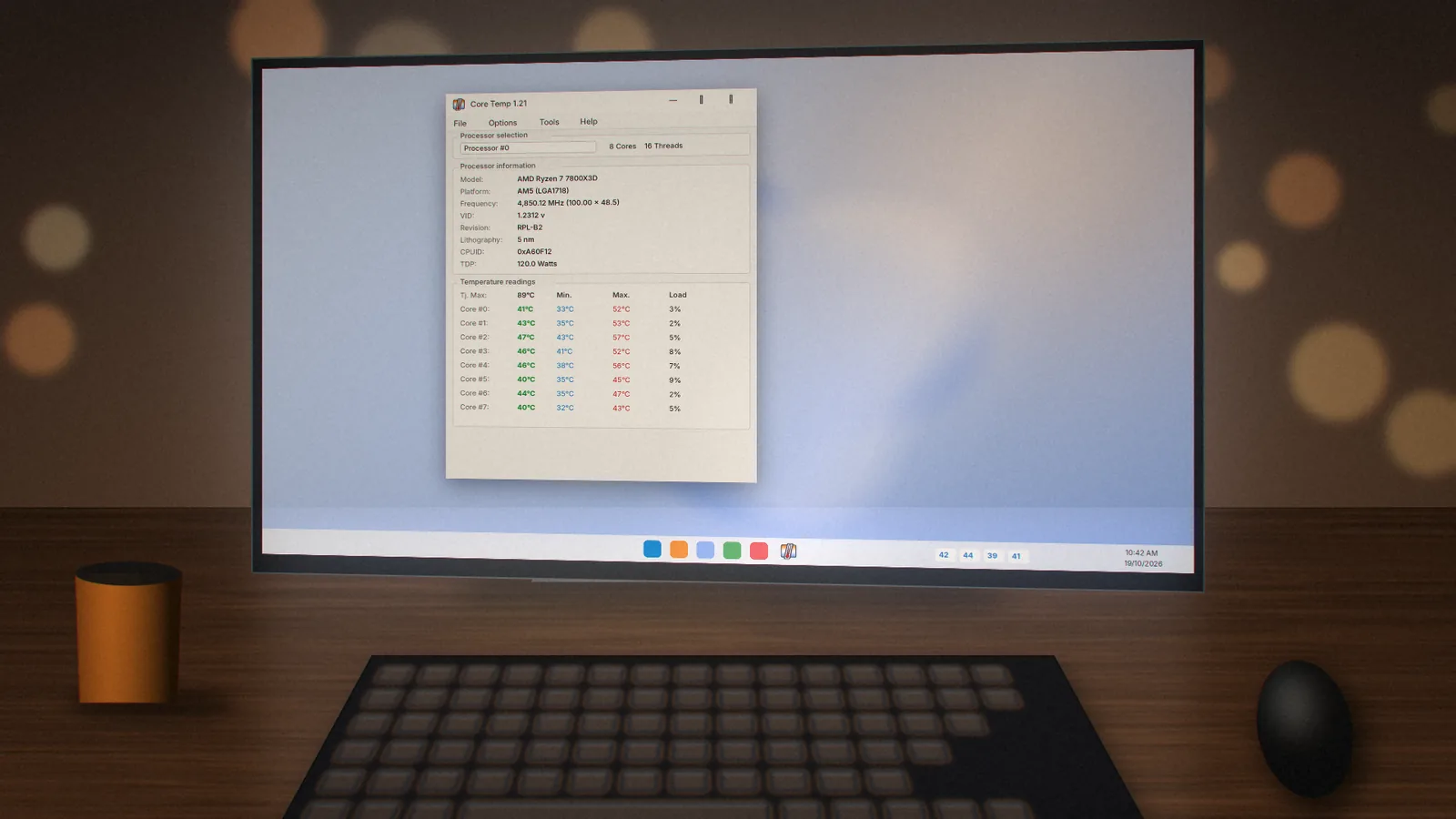
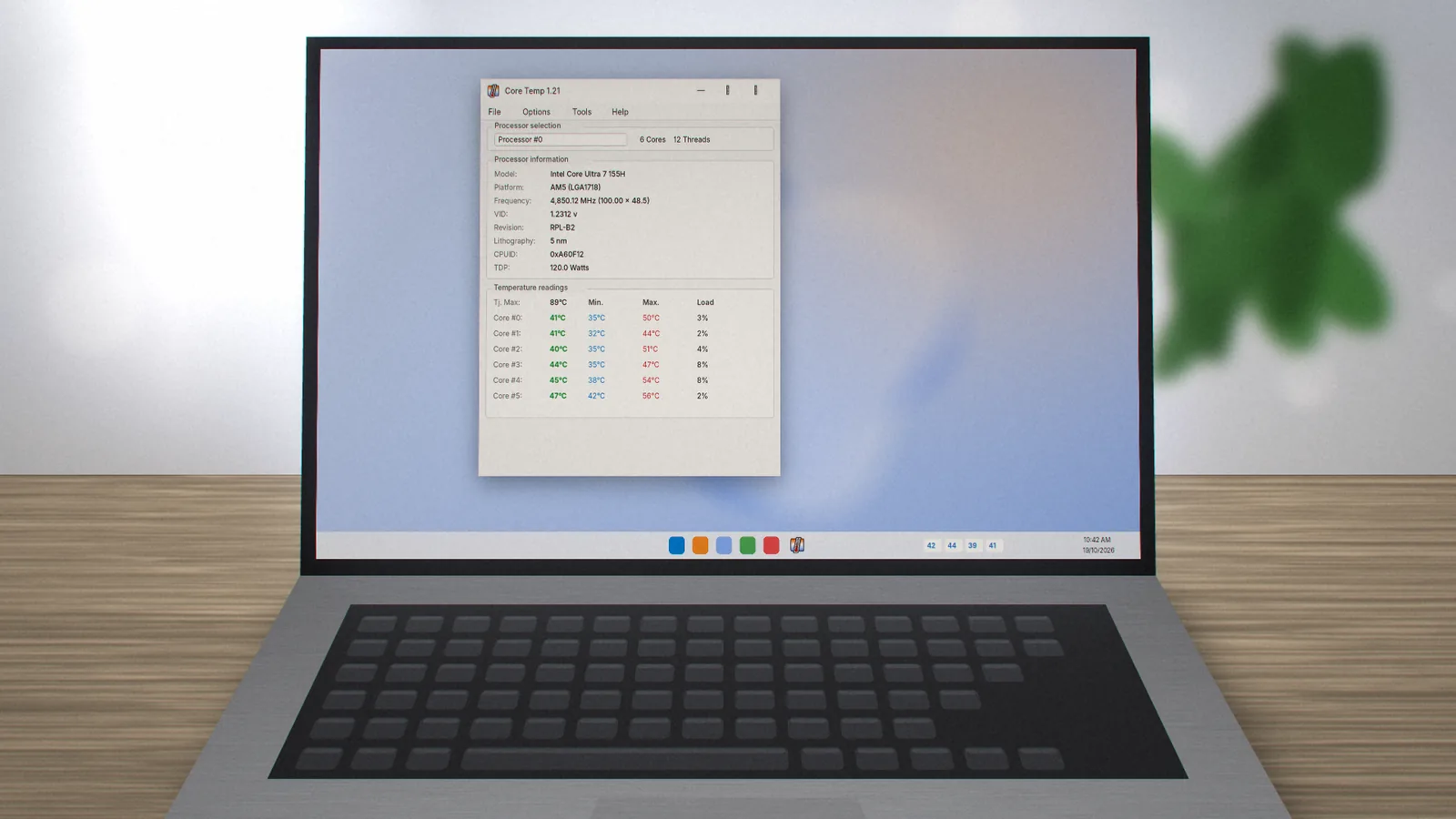
Normal CPU Temperature Range
Idle, gaming and full-load ranges for modern desktop and laptop processors, plus the warning signs that tell you it is time to act.
 coretemp.org Editorial Team8 min readUpdated Oct 19, 2026
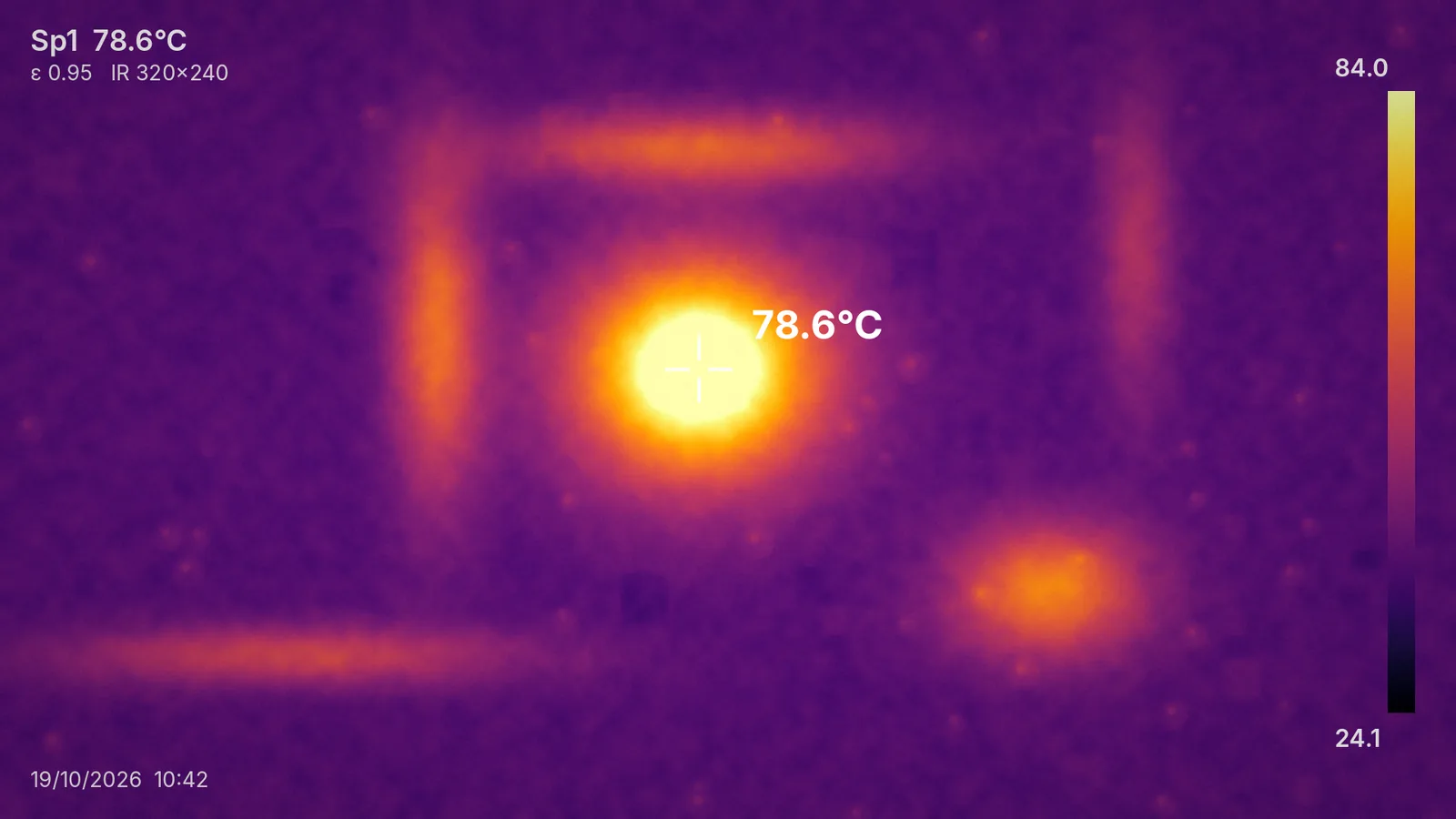
Key Takeaways
- Idle desktops typically sit around 30–50°C; laptops run 10°C or so warmer.
- 60–80°C while gaming is common and healthy for most chips.
- Sustained readings within 10°C of Tj. Max mean your cooling has little headroom.
"Is my CPU too hot?" is one of the most common questions new Core Temp users ask. The honest answer depends on the chip, the cooler and the workload, but there are reliable ranges that cover most PCs.
Typical Ranges by Workload
The figures below assume a room around 22–25°C and a working cooler. Hot rooms add roughly the same number of degrees to every reading.
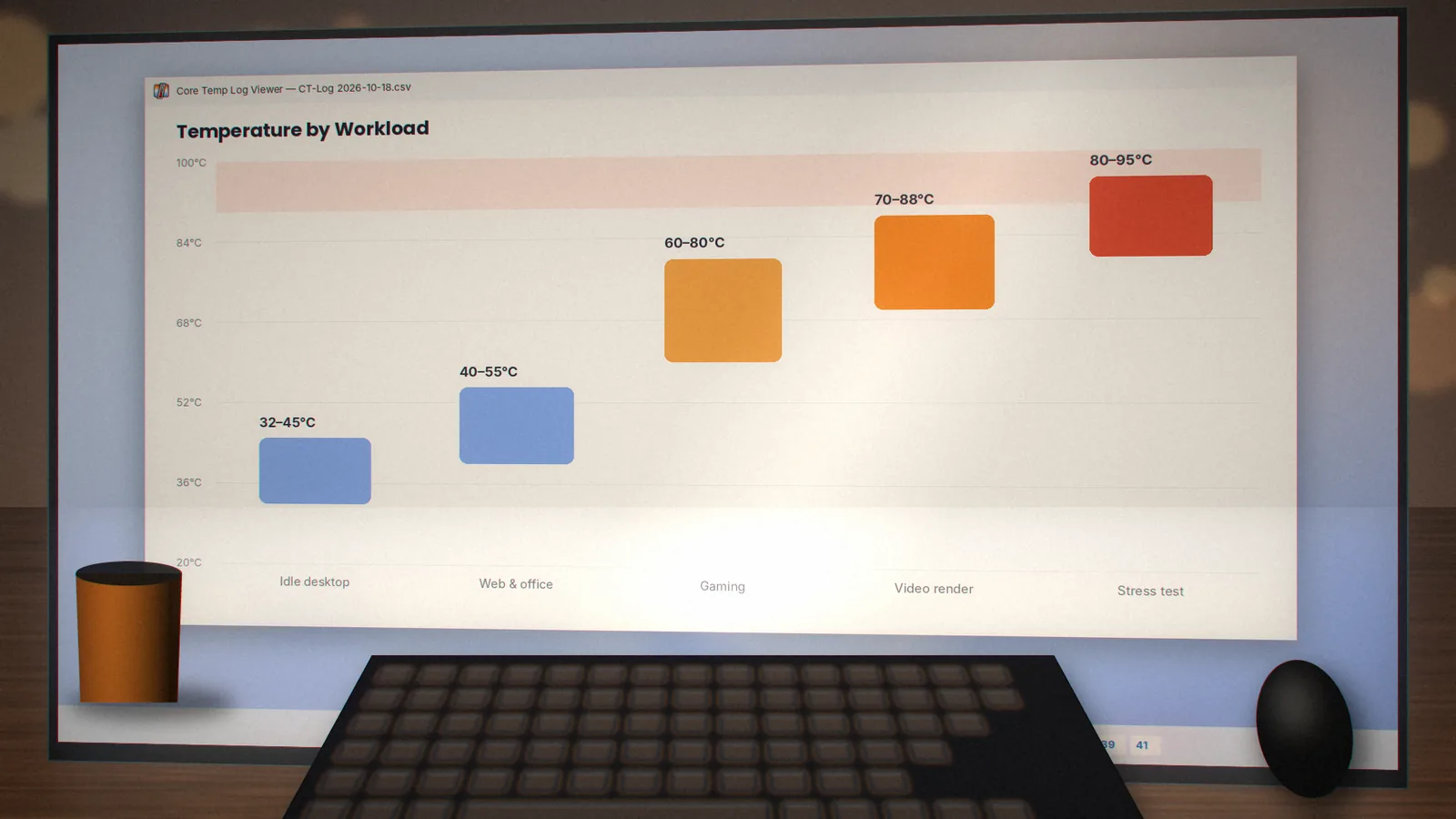
| Workload | Desktop | Laptop | Verdict |
|---|---|---|---|
| Idle, desktop apps | 30–50°C | 40–60°C | Healthy |
| Web and office | 40–55°C | 50–70°C | Healthy |
| Gaming | 60–80°C | 70–90°C | Normal |
| Rendering / compiling | 70–88°C | 80–95°C | Watch it |
| Stress test | 80–95°C | 85–100°C | Short runs only |
Why Modern CPUs Run Hotter
Recent desktop processors often boost until they hit a temperature or power limit. That means a high-end chip can sit in the 90s under an all-core load by design, trading heat for speed. The question is not "is it hot?" but "is it throttling sooner than it should?". If clocks drop sharply while temperatures sit at Tj. Max, cooling is the bottleneck.
Laptops Are Different
Thin laptops have small heatsinks and fans, so they run warmer and throttle more readily. Readings in the 90s during heavy work are common on slim gaming laptops. A cooling pad, a clean fan and a balanced power plan help more than anything else.
Warning Signs to Act On
- Idle temperatures above about 60°C on a desktop.
- Temperatures that climb steadily for several minutes at low load.
- Sudden shutdowns or stutter that coincides with high readings.
- A large gap (over 15°C) between cores under the same load, which can indicate uneven thermal paste or cooler mounting.
If any of these sound familiar, work through our CPU overheating fix guide.
How to Measure Properly
- Open Core Temp and leave the PC idle for five minutes.
- Note the idle temperature, then run your usual game or workload for 20 minutes.
- Check the Max column and compare with the table above.
- Enable logging if you want a record to compare after cleaning or repasting.
Learn more about each field in how to read Core Temp.
coretemp.org Editorial Team
The coretemp.org team writes practical guides to downloading, using and troubleshooting Core Temp. Learn more about us or suggest a correction.