Core Temp Portable Setup Guide
Prefer not to install anything? Here is how to run Core Temp from a folder or USB stick, keep your settings with it and use it on any Windows PC.
 coretemp.org Editorial Team6 min readUpdated Oct 19, 2026
Key Takeaways
- Core Temp stores its settings in a CoreTemp.ini file beside the program, which suits portable use.
- Administrator rights are still needed because the sensor driver must load.
- Portable mode skips installer offers entirely.
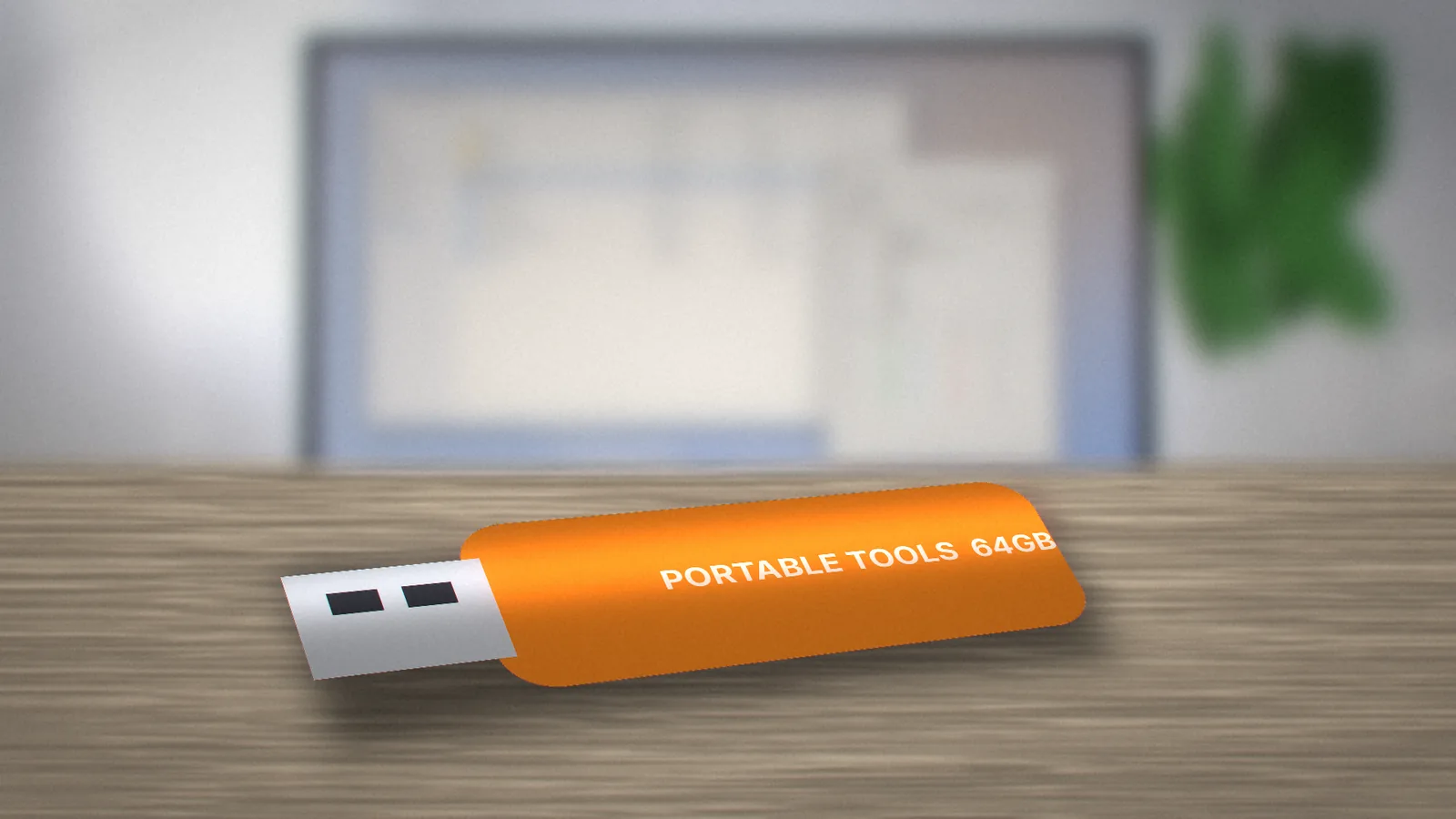
A portable copy of Core Temp is handy for technicians, students on shared PCs and anyone who wants to check temperatures without leaving software behind. Because the program keeps its configuration in a plain settings file next to the executable, it travels well.
Getting the Portable Files
The developer's download page has historically listed standalone ZIP builds next to the installer; check the official ALCPU page for the current options. Pick the build that matches your Windows (64-bit for almost every modern PC). You can also install once and copy the program folder to a USB stick.
Setting Up the Folder
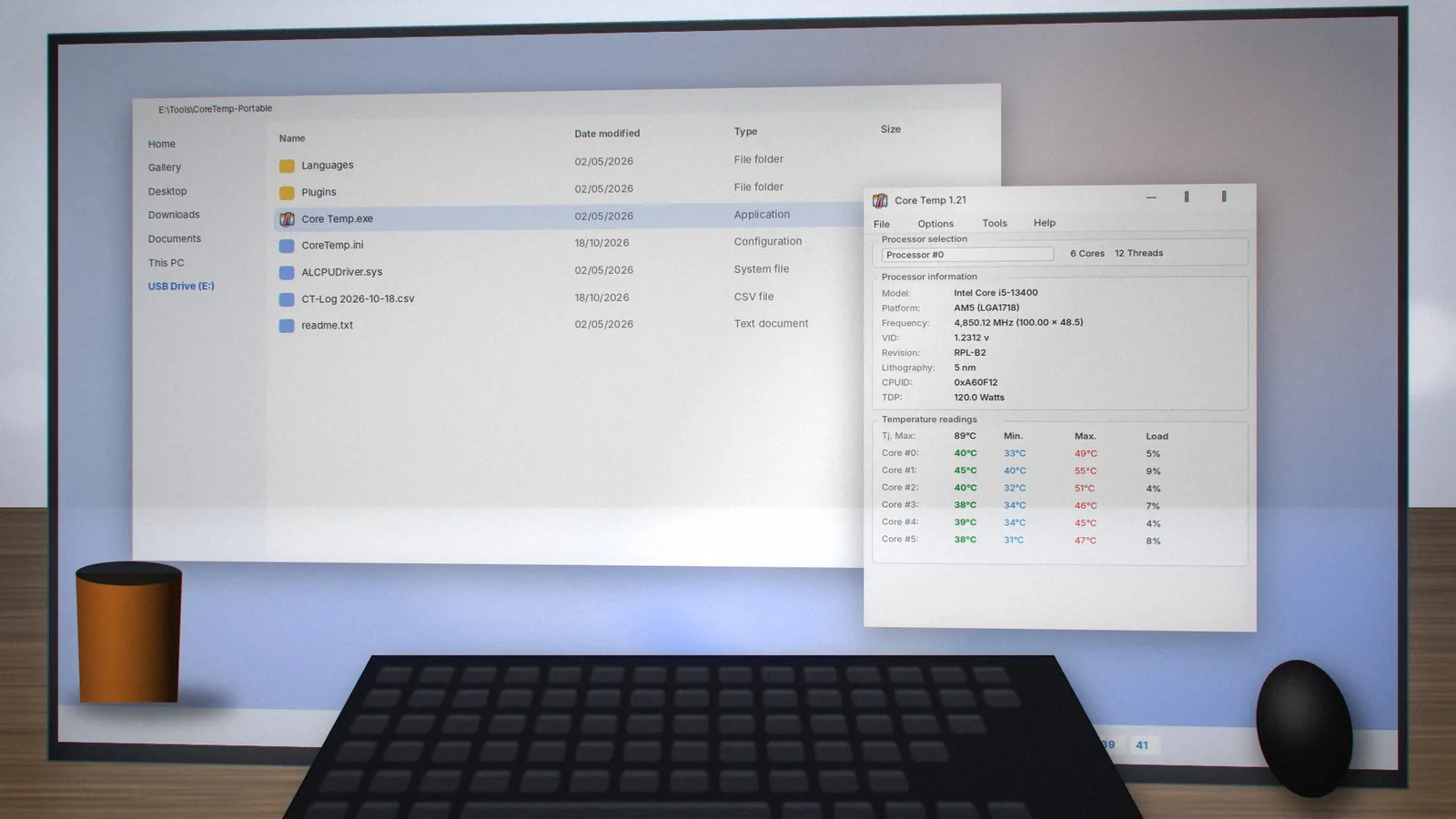
- Create a folder such as
E:\Tools\CoreTemp-Portableon your USB drive. - Extract the ZIP into it.
- Right-click
Core Temp.exeand choose Run as administrator. - Open Options › Settings and adjust refresh rate, tray icons and logging. Your choices are saved to
CoreTemp.iniin the same folder.
Logging on the Go
Enable logging in Settings and Core Temp writes a CSV file into its own folder. That is ideal for diagnosing a friend's PC: run your test, unplug the drive and review the log at home in any spreadsheet.
Limits of Portable Mode
- Admin rights: the sensor driver needs elevation, so locked-down school or office PCs may block it.
- Startup: "Start with Windows" refers to the current path. If the drive letter changes, re-enable it.
- Antivirus prompts: some security tools look more closely at drivers launched from removable drives.
Tips for Technicians
Keep a copy of this site's user guide on the same drive, add a text file with the expected SHA-256 hash, and pair Core Temp with a short stress test so you can capture before-and-after logs when cleaning a machine.
Need the installer instead? Head to the Core Temp download page.
coretemp.org Editorial Team
The coretemp.org team writes practical guides to downloading, using and troubleshooting Core Temp. Learn more about us or suggest a correction.